

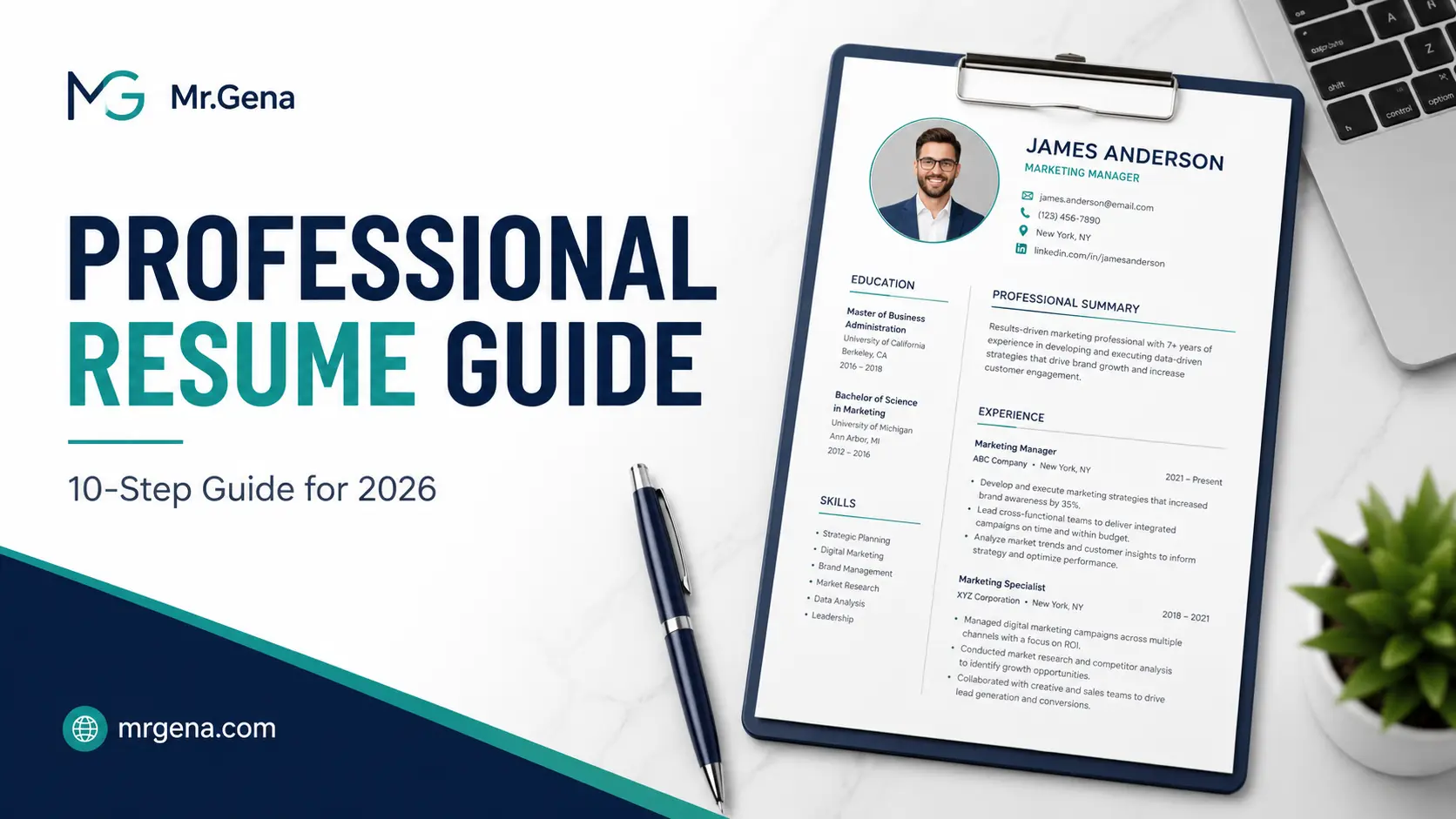
How to Make a Professional Resume in 2026: 10-Step Guide
A professional resume has one job: make it easy for the right person to understand why you are worth contacting. That sounds simple, but many resumes become weaker because they try to do too much at once.
A professional resume has one job: make it easy for the right person to understand why you are worth contacting. That sounds simple, but many resumes become weaker because they try to do too much at once. They include every responsibility from every job, long descriptions that bury the strongest achievements, inconsistent formatting, and generic phrases that could describe almost any candidate. A strong resume takes the opposite approach. It selects the most relevant information, presents it in a clear order, and gives the reader enough evidence to quickly understand your experience and value.
In 2026, that clarity matters even more because resumes are often read in several different environments. A hiring manager may view the document on a laptop, a recruiter may scan it quickly on a smaller screen, and an applicant tracking system may process the text before a person ever sees it. The best strategy is therefore not to create the most decorative resume possible, but to build a document that is readable, specific, easy to scan, and professionally formatted. This guide walks through that process from the first planning decision to the final PDF you send.
- Define the role your resume is targeting
- Choose a clean resume structure
- Build a professional header and contact section
- Write a concise professional summary
- Turn work experience into evidence
- Build a focused skills section
- Present education and certifications clearly
- Edit for clarity, consistency, and relevance
- Prepare the document for PDF submission
- Run a final quality-control check
1. Define the Role Your Resume Is Targeting
The strongest resumes are written for a destination rather than assembled as a general archive of a career. Before changing fonts, rearranging sections, or writing a summary, decide what type of position the document is supposed to win. A resume for a performance marketing role should emphasize different achievements from one targeting operations management, even if the applicant has experience in both areas. When the target is clear, deciding what deserves space becomes much easier.
Start by studying the recurring responsibilities and requirements in several job descriptions for the type of role you want. Do not simply copy their wording. Instead, identify patterns: the problems employers expect this person to solve, the tools commonly used, the level of ownership expected, and the results that matter most. Then compare those patterns with your own experience. The overlap should determine which achievements appear near the top of the resume and which older or less relevant details can be shortened.
Useful rule: If a detail does not help the reader understand your suitability for the target role, it probably does not deserve much space. Relevance is usually more valuable than completeness.
This first step also prevents a common mistake: using exactly the same resume for every application. You do not need to rewrite the entire document each time, but the emphasis should change when the role changes. A master resume can contain everything, while the version you actually send should be a carefully selected subset.
2. Choose a Clean Resume Structure
A good resume structure reduces the amount of work the reader must do. Most people do not read a resume from the first word to the last. They scan the page, look for recognizable sections, notice job titles and dates, and then decide where to spend more attention. That means familiar structure is an advantage. Contact information, summary, experience, skills, education, and certifications should be easy to find without requiring the reader to interpret an unusual layout.
For most professionals, a reverse-chronological structure works well because it places the most recent experience first and shows career progression naturally. A functional resume, which groups experience mostly by skill rather than time, can sometimes be useful for special situations, but it often makes the timeline harder to understand. A hybrid format can work when skills deserve stronger emphasis, provided the experience section remains clear.
| Structure | Best For | Main Advantage | Main Risk |
|---|---|---|---|
| Reverse chronological | Most applicants | Clear progression and recent experience | Career gaps are visible |
| Hybrid | Technical or multi-skilled professionals | Balances skills and experience | Can become too long if poorly edited |
| Functional | Special career-change situations | Emphasizes capability over timeline | Can make employment history less transparent |
If you want to create the document from a structured template rather than formatting every section manually, the Resume Builder can help you organize the essential information into a clean one-page layout. The important point is not the template itself, but whether the final structure makes your strongest qualifications obvious within seconds.
3. Build a Professional Header and Contact Section
The header should be one of the simplest parts of the resume, yet small mistakes here can create unnecessary friction. Use the name you want recruiters to use professionally, a current phone number, a professional email address, and relevant location information. A full street address is rarely necessary; city and region are normally enough unless the application specifically asks for more. If your profession benefits from an online portfolio, GitHub profile, LinkedIn page, personal site, or other professional profile, include the most relevant one.
Avoid turning the top of the page into a dense block of links. Every item should have a purpose. A software developer may benefit from a GitHub link, a designer from a portfolio, and a marketer from a professional profile or case-study page. A link to a personal social account that contains no professional information usually adds little value.
- Use one consistent version of your professional name.
- Check that the email address is typed correctly.
- Confirm that your phone number includes the right country or area code when needed.
- Remove unnecessary personal details that do not support the application.
- Test every portfolio or profile link before sending the resume.
The header also establishes the visual tone of the page. Keep it clear rather than oversized. Your name should be easy to find, but it does not need to occupy a quarter of the document. The more space the header consumes, the less room remains for evidence of what you can actually do.
4. Write a Concise Professional Summary
A professional summary is most useful when it gives the reader information that cannot be understood immediately from the job titles below it. It should answer three questions quickly: what kind of professional are you, what are your strongest areas of expertise, and what type of value have you created? A vague statement such as “hard-working team player looking for new opportunities” wastes premium space because it provides no evidence and says nothing specific about your background.
A stronger summary might identify your field, years or depth of experience where relevant, primary specialization, and one or two areas of measurable impact. The summary does not need to tell your whole story. Its purpose is to frame the rest of the resume and encourage the reader to continue. In many cases, three or four compact lines are enough.
Length matters here because summaries tend to expand when candidates try to mention every skill. If you are unsure whether the opening section is becoming too long, the Word Counter can help you compare different versions and keep the text concise. The goal is not to hit an arbitrary number, but to notice when your introduction starts consuming space that should belong to accomplishments and experience.
Better summary formula: professional identity + specialization + strongest relevant capability + evidence of impact. Remove adjectives that are not supported by anything later in the resume.
5. Turn Work Experience Into Evidence
The experience section is usually where a professional resume either becomes convincing or remains generic. Many candidates describe responsibilities: managed campaigns, answered customers, prepared reports, led projects, maintained systems. Responsibilities explain what the job required, but they do not show how effectively the person performed it. Whenever possible, convert responsibilities into evidence by explaining the scale, result, improvement, complexity, or ownership involved.
For example, “managed paid advertising campaigns” is much weaker than a bullet that explains the monthly budget, number of markets, efficiency improvement, or revenue contribution. “Responsible for customer support” becomes more useful when it describes volume, response time, satisfaction improvement, escalation ownership, or the type of customer being supported. Not every bullet requires a percentage, but every bullet should ideally tell the reader something meaningful.
| Weak Version | Stronger Direction |
|---|---|
| Managed social media accounts | Explain platforms, audience scale, campaign responsibility, or measurable growth |
| Worked with clients | Explain client type, account volume, retention, revenue, or project complexity |
| Created reports | Explain what decisions the reports supported and how frequently they were used |
| Improved website performance | Describe the metric improved, the action taken, and the resulting change |
A useful bullet often follows a simple sequence: action, context, result. Begin with a clear verb, explain what you actually owned, and finish with the effect when that effect can be measured or described. Avoid inventing numbers just because quantified bullets are popular. Accurate context is better than a suspiciously precise metric you cannot defend in an interview.
Keep older positions shorter when they are less relevant to the target role. If your current job already demonstrates senior-level experience, a position from eight years earlier may only need two or three bullets. Resume space should follow relevance, not nostalgia.
6. Build a Focused Skills Section
A skills section should make your capabilities easier to scan, not become a storage area for every technology, platform, and soft skill you have ever encountered. Prioritize skills that are relevant to the role and that you could comfortably discuss in an interview. If you list advanced knowledge of a system, language, methodology, or software package, assume someone may ask you to explain how you have used it.
Separate different types of skills when that improves clarity. A technical candidate might group programming languages, frameworks, databases, and infrastructure. A marketer might separate advertising platforms, analytics tools, CRM systems, and reporting technologies. A designer may group design software, prototyping tools, motion software, and research methods. The exact labels matter less than making the section easy to scan.
Generic soft skills such as “communication,” “leadership,” and “problem solving” are usually more persuasive when demonstrated through experience rather than presented as unsupported keywords. If your bullets show that you led a cross-functional launch, handled a difficult client portfolio, or trained a team, the reader can infer several soft skills from the evidence.
Include tools and capabilities you have genuinely used. A shorter list of relevant, defensible skills is stronger than a long list designed only to match keywords.
7. Present Education and Certifications Clearly
The education section should be detailed enough to establish the qualification without competing with professional experience. For recent graduates, education may deserve a prominent position near the top because it represents a large portion of their relevant background. For an experienced professional, it usually belongs after experience and skills unless the degree itself is essential to the role.
Include the institution, qualification, field of study, and completion date or expected completion date where appropriate. Additional details such as coursework, honors, thesis topics, or academic projects are most useful when they strengthen a relatively early-career resume. Once your professional achievements are stronger than your university projects, those academic details can usually be reduced.
Certifications deserve similar judgment. Include those that are relevant, current enough to matter, or widely recognized in your field. A long list of minor online certificates can make stronger qualifications harder to notice. When a certification has an expiration date, make sure the status shown on the resume is still accurate.
If supporting documents are requested separately and your certificates exist as scanned images, you can combine image files into one clean document using JPG to PDF when the source files are JPEGs. If your scans or screenshots are stored as PNG files instead, PNG to PDF provides the same type of practical conversion. These supporting documents should remain separate from the resume itself unless the employer specifically requests a combined file.
8. Edit for Clarity, Consistency, and Relevance
Editing a resume is not simply proofreading for spelling mistakes. It is the stage where you remove unnecessary information, tighten weak bullets, standardize formatting, and make sure the document tells one coherent professional story. Read every section with the target role in mind. If a sentence is accurate but irrelevant, shortening or removing it can make the more valuable material easier to notice.
Look for inconsistent verb tense. Current responsibilities may be written in the present tense, while completed achievements from previous roles should generally use past tense. Check whether dates follow one format throughout the document, whether job titles are styled consistently, and whether bullet points use similar punctuation. These details are small, but a resume is a short document, so inconsistencies are more visible than they would be in a long report.
- Remove repeated information that appears in both the summary and experience sections.
- Replace vague adjectives with specific evidence where possible.
- Shorten bullets that require several lines to explain one idea.
- Use consistent date, capitalization, and punctuation styles.
- Delete skills or details that no longer support the target role.
- Check that every claim can be explained confidently in an interview.
Reading the resume aloud is surprisingly effective. Sentences that feel natural on screen can sound awkward when spoken. You may also notice repeated verbs, long clauses, or phrases that do not add meaning. A second reader can help as well, especially someone who understands your industry but did not help write the document.
9. Prepare the Document for PDF Submission
Once the content is strong, the final file needs to survive different devices, email systems, and application portals. PDF is commonly useful because it preserves layout more reliably than an editable document. Before exporting, check margins, line breaks, section spacing, and whether any bullet has been pushed awkwardly onto a new page. Open the finished PDF after export rather than assuming it looks exactly like the editable version.
If your current resume exists only as a PDF but you need to make substantial edits, converting it with PDF to Word can make the text easier to update in an editable document. Complex designs may still require some manual cleanup after conversion, so always compare the editable version with the original before making final changes.
File size also matters when an employer uses a portal with strict upload limits or when you are attaching several documents to an email. A resume should not become unnecessarily large because of embedded images, decorative backgrounds, or inefficient export settings. If the layout is correct but the PDF is heavier than needed, Compress PDF can reduce the file size while keeping the document practical to read and share.
Before sending: open the PDF on both desktop and mobile if possible. Check that text is selectable, links work, no content is cut off, and the document does not depend on unusual fonts that failed during export.
10. Run a Final Quality-Control Check
The last review should be performed as if you were seeing the resume for the first time. Do not begin by reading every word. Instead, scan the page for ten seconds and notice what stands out. Can you identify the candidate's profession, recent role, most relevant experience, strongest capabilities, and education quickly? If the answer is no, the problem may be hierarchy rather than content.
Next, inspect every high-risk detail: email address, phone number, dates, employer names, job titles, portfolio links, and file name. A beautifully written resume with the wrong phone number is still a failed document. Rename the file professionally as well. A simple format such as FirstName-LastName-Resume.pdf is easier for a recruiter to manage than a file called resume-final-new-3.pdf.
- Scan the first page quickly. Make sure the most relevant information is immediately visible.
- Check contact information. Verify every character rather than relying on memory.
- Test all links. Open portfolio, LinkedIn, GitHub, or website links in a private browser window.
- Review dates. Confirm that employment periods are accurate and consistently formatted.
- Check the file name. Use a professional name that identifies the document clearly.
- Open the final PDF. Do not send the file before reviewing the actual exported version.
A final quality-control pass should also compare the resume with the job description one more time. You are not trying to copy every phrase from the posting. Instead, ask whether the document makes the most relevant parts of your background easy to find. If the employer emphasizes stakeholder management and your strongest stakeholder project is buried near the bottom of page two, the resume may be accurate but poorly prioritized.
Common Resume Mistakes That Weaken Good Experience
Many candidates assume that a weak resume means they need more experience. Often the real problem is presentation. Strong experience can look average when it is described in generic language, while ordinary responsibilities can sound more impressive when they are connected to scale, ownership, and results. The objective is not to exaggerate. It is to explain your actual work with enough context for another person to understand why it mattered.
| Mistake | Why It Hurts | Better Approach |
|---|---|---|
| Too much text | Important details become difficult to scan | Prioritize relevant achievements and shorten older roles |
| Generic objective statement | Uses space without proving value | Use a specific summary or remove the section |
| Responsibility-only bullets | Shows duties but not performance | Add scope, result, or ownership |
| Decorative formatting | Can distract from content and reduce readability | Use clear hierarchy and restrained design |
| Unverified links | Creates friction for the reader | Test every link before submission |
| Oversized PDF | Can create upload and email problems | Optimize the document before sending |
How Long Should a Professional Resume Be?
There is no single page count that works for every career. A one-page resume can be excellent when the candidate has a focused background and the target role does not require extensive detail. Two pages can be entirely reasonable for an experienced professional with several relevant positions, major projects, certifications, or technical responsibilities. The better question is whether each line earns its place.
Do not force ten years of meaningful work onto one cramped page simply because you have heard that resumes must always be one page. At the same time, do not expand to three pages because every old responsibility feels important to you personally. The reader needs enough evidence to evaluate your suitability, not a complete history of every task you have performed.
White space is part of readability. A document that technically fits on one page but uses tiny fonts, narrow margins, and dense blocks of text may be harder to read than a well-organized two-page version. Length should follow relevance and clarity rather than an arbitrary target.
Should every resume be customized for each job?
The core career history can remain the same, but the summary, skills emphasis, and most prominent achievements should reflect the role you are targeting. Small, relevant adjustments are usually more useful than sending one generic version everywhere.
Is a one-page resume always better?
No. One page can be ideal for a focused or early-career profile, while experienced professionals may need two pages. Relevance and readability matter more than forcing the document into a specific length.
Should I include a photo on my resume?
This depends on local hiring norms, industry practices, and the employer's expectations. When in doubt, check the conventions for the country and role where you are applying.
How many skills should I list?
List the skills that are genuinely relevant and that you can discuss confidently. A focused group of credible skills is usually more useful than a long list of loosely related keywords.
Should I send a Word file or PDF?
Follow the employer's requested format whenever one is specified. When no format is requested, PDF is often convenient because it preserves the layout consistently across devices.
What should I name my resume file?
Use a simple professional format such as FirstName-LastName-Resume.pdf. Avoid internal draft names such as final-version-2-new.pdf.
A professional resume does not need to look complicated to be effective. It needs to make your strongest evidence easy to find, show a clear relationship between your experience and the target role, and remain readable from the first scan to the final detail. When the structure, wording, achievements, and file preparation all support the same goal, the document becomes easier for both recruiters and hiring managers to evaluate.
The best final test is simple: imagine the reader has limited time and no previous knowledge of you. If the resume quickly explains what you do, what you have accomplished, and why your background fits the role, it is doing its job. Everything else—design choices, templates, section order, and file format—should support that clarity rather than compete with it.